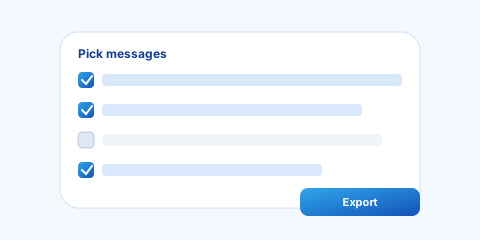
Selective export
Choose Selected Messages and check the turns that matter. Full-thread export is still one click when you need the whole conversation.

ChatCache
Export · Backup · Recall
Chrome extension for ChatGPT
Turn conversations into clean Markdown, HTML, or TXT, export only the messages you need, and keep a local backup so code blocks, structure, and long threads survive the trip to your notes, docs, and repos.
Local-first. Exports run in your browser—no cloud processing for your conversation content.
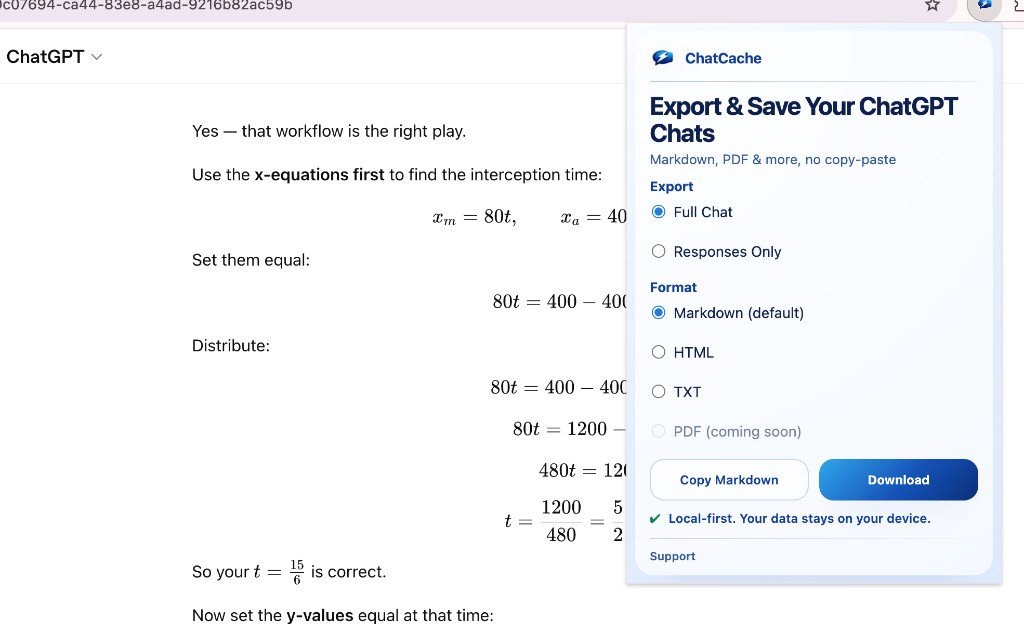
See the current extension flow in action, including selective export and the local-first save path.
Open saved chats outside the thread
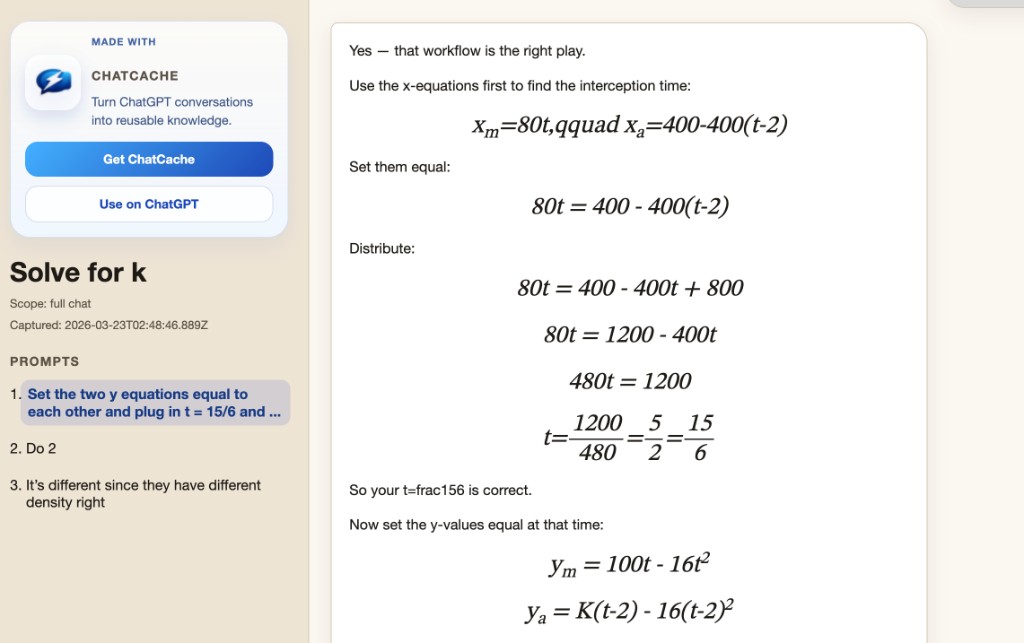
Markdown, HTML & TXT · Selected Messages · Local-first privacy
Built for fidelity, speed, and trust
Choose Selected Messages and check the turns that matter. Full-thread export is still one click when you need the whole conversation.
Designed for local processing, packaged privacy guidance, and clear permission boundaries so the trust story is easy to explain.
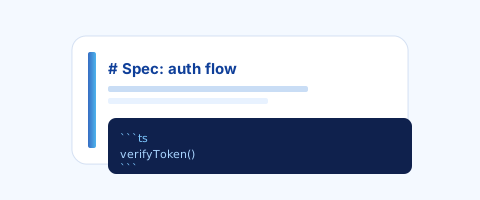
Preserve headings, lists, and code fences so downstream tools do not turn your export into cleanup work.
Everything you need to reuse ChatGPT output
Three steps from chat to reusable file
Work in the tab you already use—ChatCache runs when you ask it to.
Pick Full Chat, Selected Messages, or Responses Only, then choose Markdown, HTML, or TXT.
Download a file or copy to clipboard. The extension keeps the flow local and direct.
Straightforward privacy
Quick answers
ChatCache is built around local processing in the browser for exports. Read the specifics in our privacy policy.
Markdown, HTML, and TXT are available now. PDF is still labeled as coming soon and should not be treated as shipped support yet.
Yes—fidelity for structure and code matters, and the tool is stress-tested for large conversations.
The extension targets ChatGPT on the web (chatgpt.com and related OpenAI chat URLs). Check the Chrome Web Store listing for the exact permission scope.
Choose Selected Messages in the popup and the extension will turn on message checkboxes directly in ChatGPT. Switch back to Full Chat and the page-side selector is removed.
Get ChatCache for Chrome
The extension is now live in the Chrome Web Store. Use the published listing below, or install an unpacked build from source if you are testing locally.
Chrome Web Store